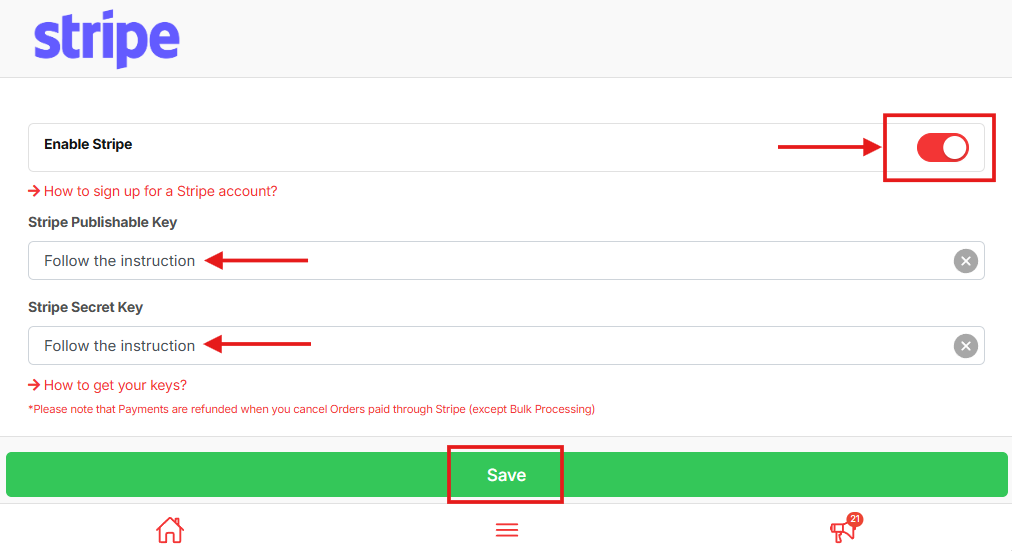
Stripe is an international payment gateway that supports card payments and various digital payment methods. Once integrated, your customers can pay securely using credit or debit cards directly on your JOT store.
How to Integrate Stripe #
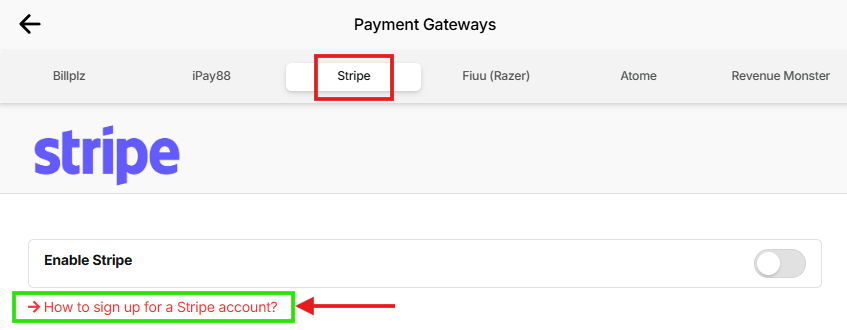
In your merchant dashboard, go to Payment Gateways.

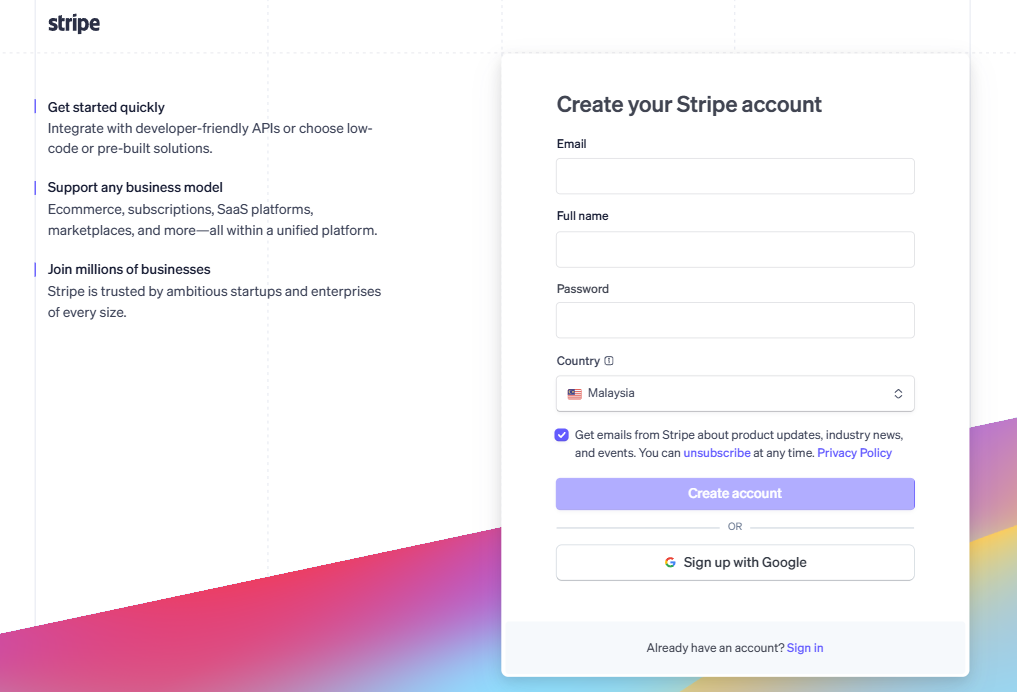
Click Stripe at the top. Then click the hyperlink to register your Stripe account and complete the application process. Wait for your Stripe account to be approved.
After approval, click the link “How to get your keys?” and follow all instructions to obtain your API keys.
A pop-up reminder will appear. Close the pop-up after reading.
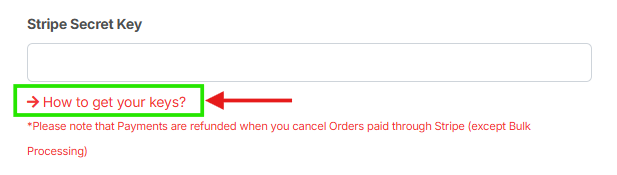

Enter all the required LIVE API keys into the fields on this page.
Turn on the Enable Stripe toggle and click Save to activate Stripe for your shop.