Atome is a Buy Now Pay Later (BNPL) payment method that allows your customers to split their payments into 3 interest-free installments. Integrating Atome can help improve conversions by offering customers a more flexible payment option.
How to Integrate Atome #
Log in to your dashboard and go to Payment Gateways.
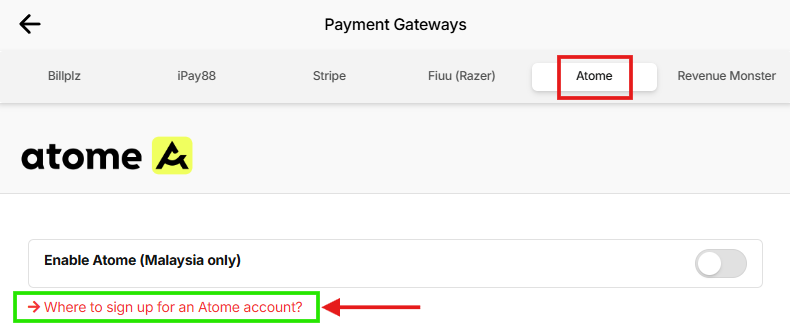
Click Atome on the top, then click the link “Where to sign up for an Atome account?”
- You will be redirected to the merchant registration form.
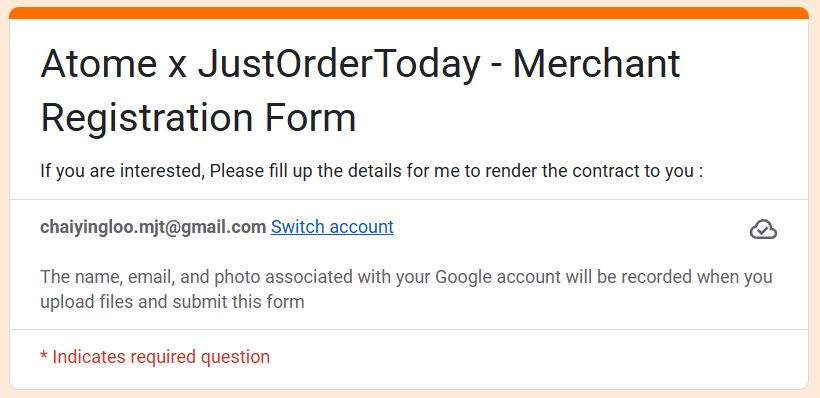
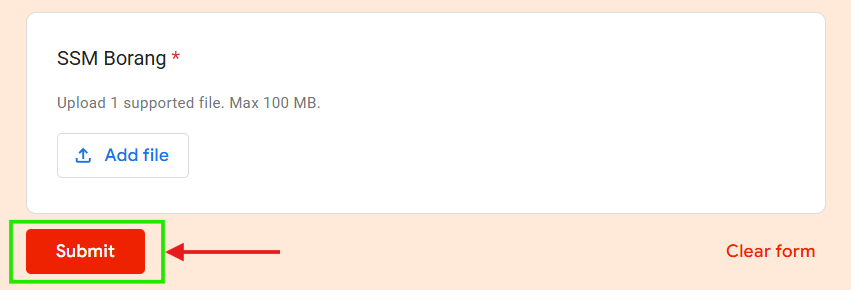
Fill in all the required details and submit the application.
- Wait for approval from Atome (you will receive the result via email).
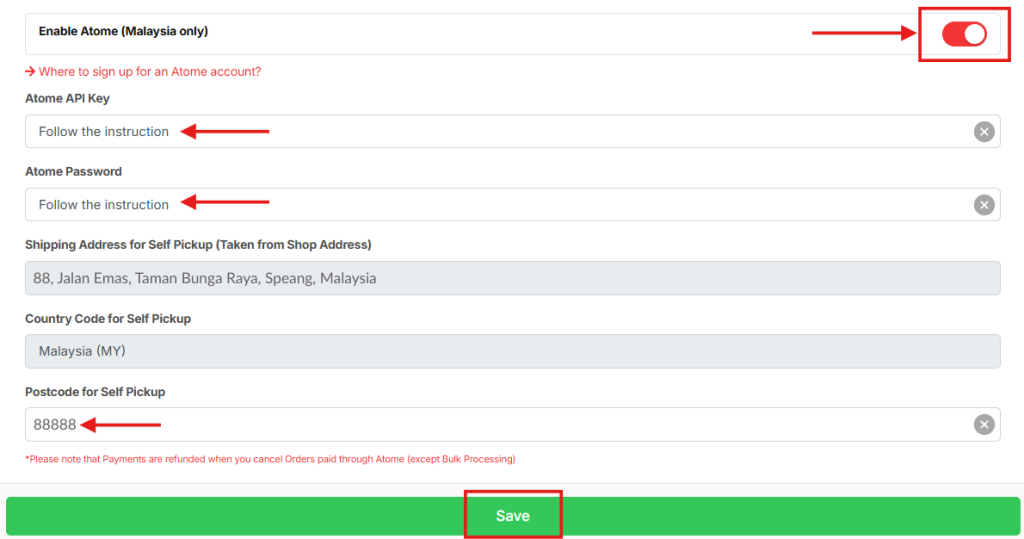
Once approved, return to this page on JOT and insert all the required Atome information.
Turn on the Enable Atome toggle.
Click Save to activate this payment method for your customers.